A cursive text generator for names, bios, and captions
Want your name to look handwritten? Type it in the box and you'll see it in 10 cursive styles at once, from simple 𝒸𝓊𝓇𝓈𝒾𝓋ℯ to 𝓫𝓸𝓵𝓭 𝓬𝓾𝓻𝓼𝓲𝓿𝓮 and soft frames. Tap one and it's copied, ready for your bio, your name, or a caption.
These aren't real fonts. They're special letters, so the look stays when you paste.
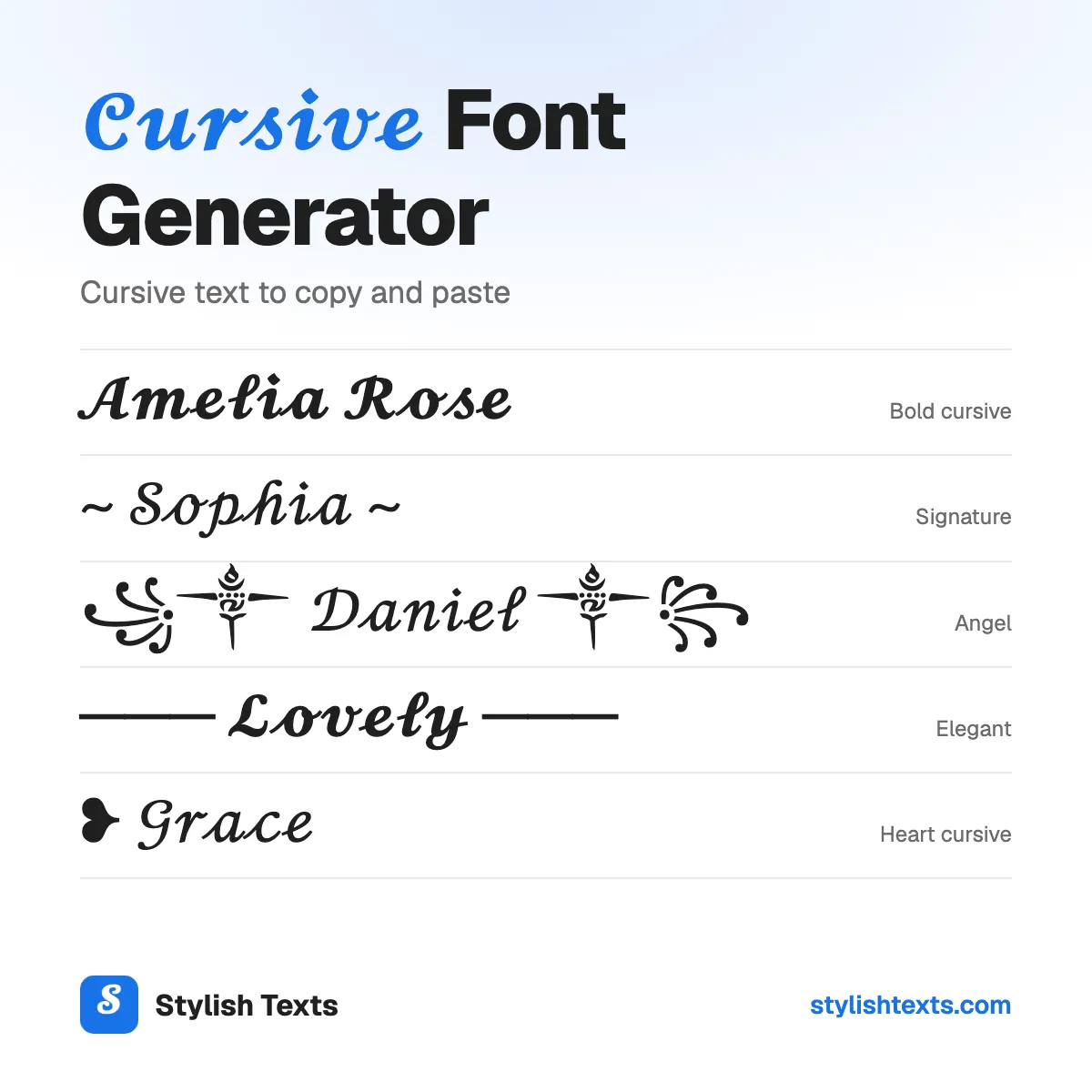
You'll only find five of these styles here: Signature, Elegant, Heart cursive, Angel, and Underlined cursive. We're adding new styles all the time, so check back soon.
Good to know
- The letters don't join up like handwriting. Each letter stands alone.
- A few letters come from a different set, so they can look a little different.
- There are no cursive numbers. Numbers stay plain in Cursive and turn bold in Bold cursive.
- Screen readers can't read cursive letters, so keep important words plain.
How to use the styles
- Step 1

Type your text
Type a word, your name, or a whole line. You'll see it in every style at once.
- Step 2
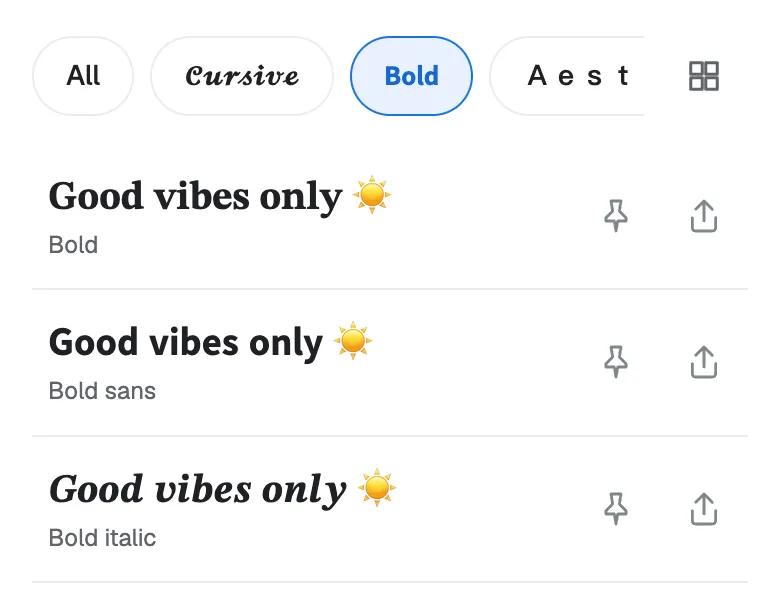
Pick a style
Scroll through the list and find the cursive style that fits your name or your bio.
- Step 3
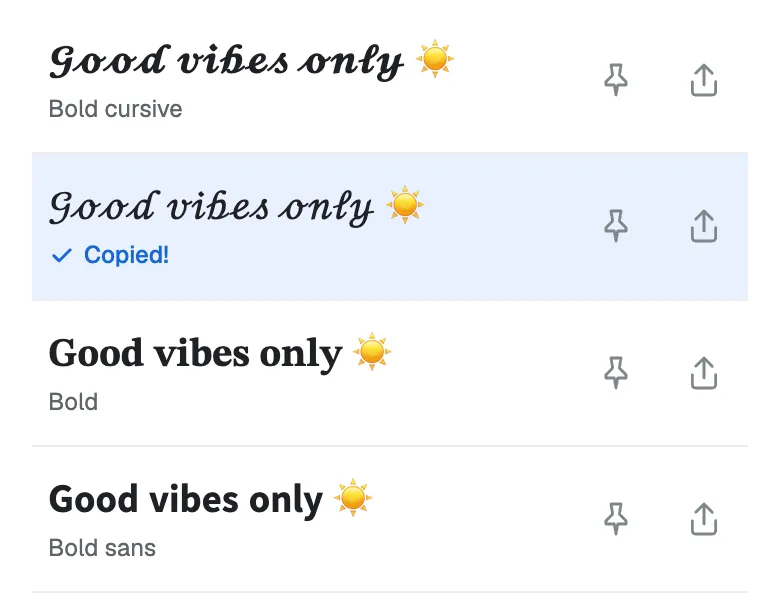
Tap to copy
Tap the one you like and it's copied. Now paste it into your bio, your game name, or a chat.
Found a favorite? Don't forget to tap the pin so it stays at the top. Your pins are saved in this browser.
Which cursive style fits your text?
| Style | Sample | Best for |
|---|---|---|
| Cursive | 𝒪𝓁𝒾𝓋𝒾𝒶 | A bio line or a caption. Light and easy to read. |
| Bold cursive | 𝓞𝓵𝓲𝓿𝓲𝓪 | A name or a headline. Every letter matches, and numbers turn bold. |
| Signature | ~ 𝒪𝓁𝒾𝓋𝒾𝒶 ~ | Signing off a message or a post. |
| Elegant | ─── 𝓞𝓵𝓲𝓿𝓲𝓪 ─── | A name on its own line, like a title. |
| Heart cursive | ❥ 𝒪𝓁𝒾𝓋𝒾𝒶 | A cute name, a couple name, or a sweet caption. |
| Angel | ꧁༒ 𝒪𝓁𝒾𝓋𝒾𝒶 ༒꧂ | A display name that stands out. |
| Underlined cursive | 𝓞̲𝓵̲𝓲̲𝓿̲𝓲̲𝓪̲ | A short heading in a bio. |
| Crown frame | ♛ 𝓞𝓵𝓲𝓿𝓲𝓪 ♛ | A "queen" or "king" name. |
Not sure? Start with Bold cursive. It's the easiest to read, and no letter looks out of place.
Cursive alphabet A to Z
Need just one letter, or the whole alphabet? Tap a letter to copy it, or tap “Copy all” to copy a full row.
Cursive
Bold cursive
Is this real cursive handwriting?
Not quite. These are script letters, and each one stands alone, so they can't join up like real handwriting. That's a limit of text, not of this tool: a letter you paste can't change shape to link with the next one.
Need joined handwriting in a document or a design? Install a handwriting font instead. Google Fonts has a whole Handwriting category to choose from.
Why do some cursive letters look different?
When the cursive letters were added, these 11 were already in a different set, so they were never copied over:
ℬℰℱℋℐℒℳℛℯℊℴ
That's 8 capitals (B, E, F, H, I, L, M, R) and 3 small letters (e, g, o). On some phones, they look a little thinner or sit a little higher than the rest.
Want every letter to match? Use Bold cursive. It has no gaps.
What's the difference between cursive and script?
"Script" is the big family of letters that look written by hand. Cursive is the kind of script where the letters join up. Our styles use script letters that look like cursive, but each letter stands alone.
Cursive text ideas to try
Need a starting point? Here are some ideas for names, signatures, bios, and captions. Each one shows its style. Tap “Try it” to see that style with your own text.
- 𝓞𝓵𝓲𝓿𝓲𝓪Bold cursive
- ~ 𝒲𝒾𝓉𝒽 𝓁ℴ𝓋ℯ, ℳ𝒾𝒶 ~Signature
- ❥ 𝒜𝓃𝓃𝒶 & ℒℯℴHeart cursive
- ꧁༒ 𝒜𝓃ℊℯ𝓁 ༒꧂Angel
- 𝓁𝒾𝓋𝒾𝓃ℊ 𝓂𝓎 𝒷ℯ𝓈𝓉 𝓁𝒾𝒻ℯCursive
- ─── 𝓑𝓮𝓼𝓽 𝓯𝓻𝓲𝓮𝓷𝓭𝓼 ───Elegant
Tips for cursive text
- Keep it short. Cursive looks best on a name or a few words, not a whole paragraph.
- Mix one style with plain text. 𝓞𝓵𝓲𝓿𝓲𝓪 | photos and travel is easier to read than a whole line in cursive.
- Check after you save. Some apps turn special letters back into plain ones, and some name fields won't take them.
- Think of screen readers. They can't read cursive letters, so keep important words plain.
More fonts to try
Stylish text generator
All 32 styles in one list: cursive, bold, cute, gamer, and glitch.
Gothic fonts
Old English letters, bold blackletter, and dark frames for gamer tags and titles.
Cute fonts
Bubble letters, tiny text, bows, and fairy frames for your bio or your name.
Cursive fonts FAQ
Can I use cursive text in Word or Google Docs?
You can paste it in, and it'll keep its look. But it's special letters, not a font, so spell check won't work on it. For a whole document in cursive, pick a handwriting font from the font menu instead.
Why do I see boxes instead of letters?
Your device doesn't have a picture for that letter yet. It happens more on older phones. Try Bold cursive, or update your device.
Can I get cursive numbers?
No, there aren't any. Cursive keeps plain numbers, and Bold cursive turns them bold: 𝓞𝓵𝓲𝓿𝓲𝓪 𝟐𝟎𝟐𝟔.
Is the cursive generator free?
Yes. There's no app to install and no sign-up. Stylish Texts is free for everyone, supported by ads.
Last updated: