A small text generator for your bio, your name, and your notes
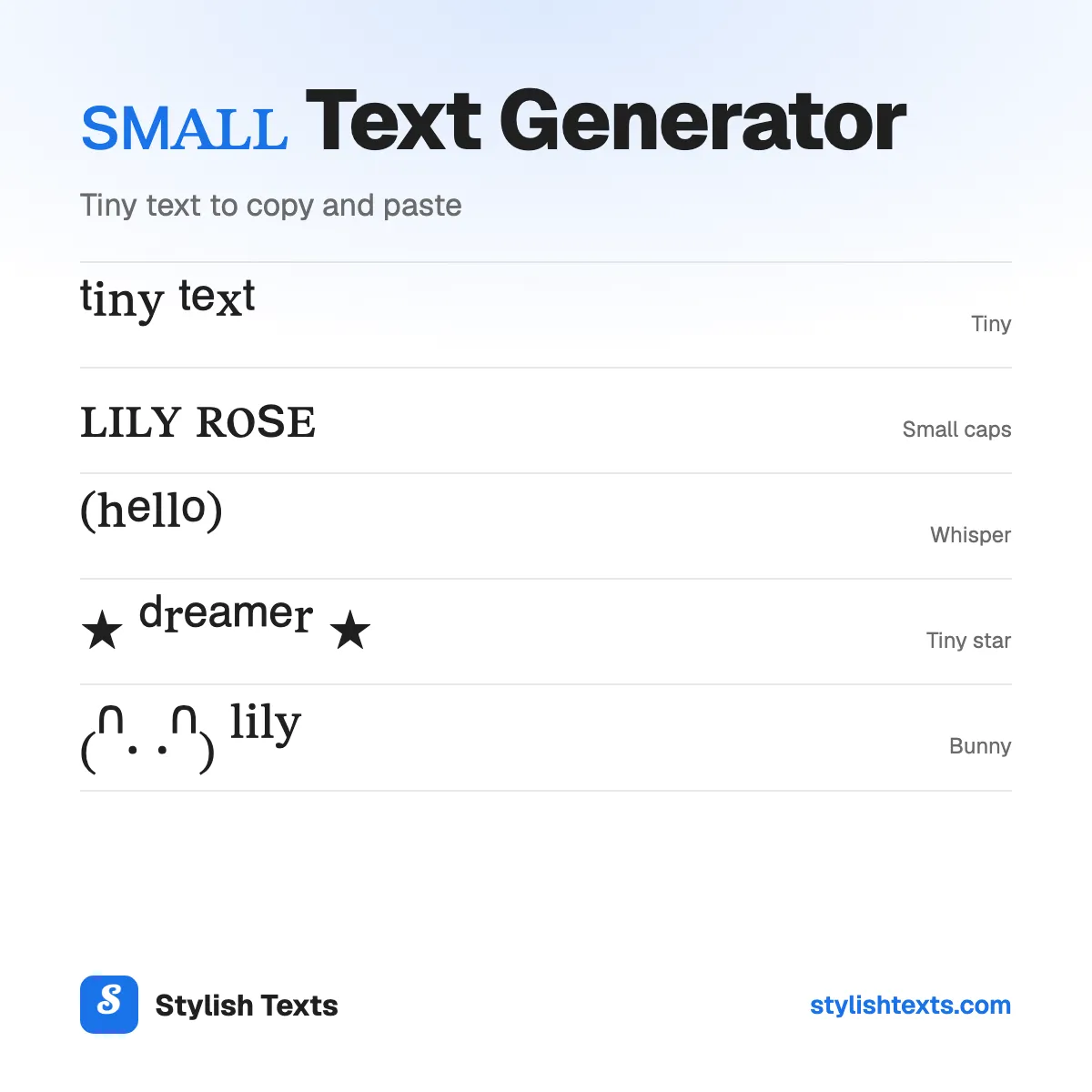
Need your text to look small? Type it in the box and you'll see it in 10 small styles at once: tiny letters, small caps, subscript, and soft frames. Tap one and it's copied, ready for your bio, your name, or a note.
It isn't a smaller font size. Each letter is a small character of its own, so it stays small when you paste it, even where the app has no size option.
You'll only find five of these styles here: Subscript, Whisper, Tiny star, Spaced tiny, and Spaced small caps. We're adding new styles all the time, so check back soon.
Good to know
- Tiny text has every letter, but its q is a Greek letter (ᵠ), and capitals use the small forms.
- Small caps has no x, so x stays full size.
- Subscript (the small letters below the line) has only 17 letters here. For numbers, it's complete: H₂O, CO₂.
- Small text works best in a display name or a bio. Most apps don't allow it in an @username.
How to use the styles
- Step 1

Type your text
Type a word, your name, or a whole line. You'll see it in every style at once.
- Step 2
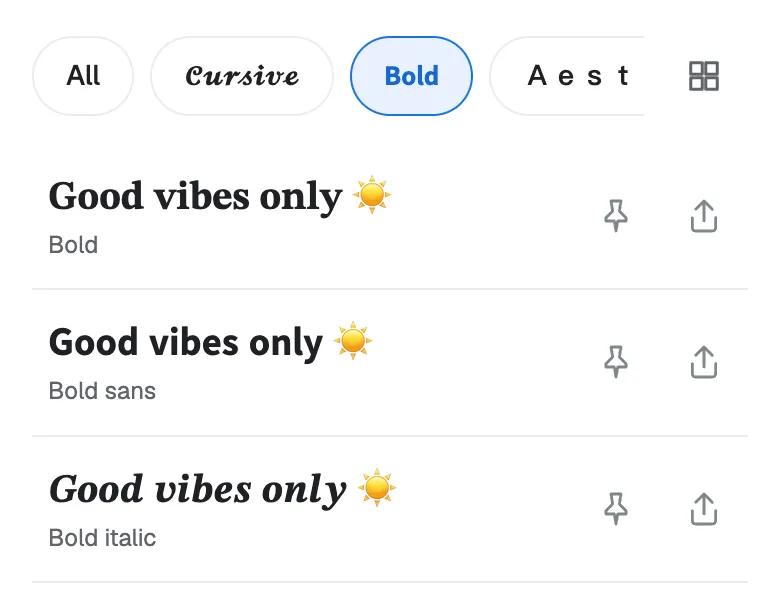
Pick a style
Scroll through the list and find the small style that fits your text.
- Step 3
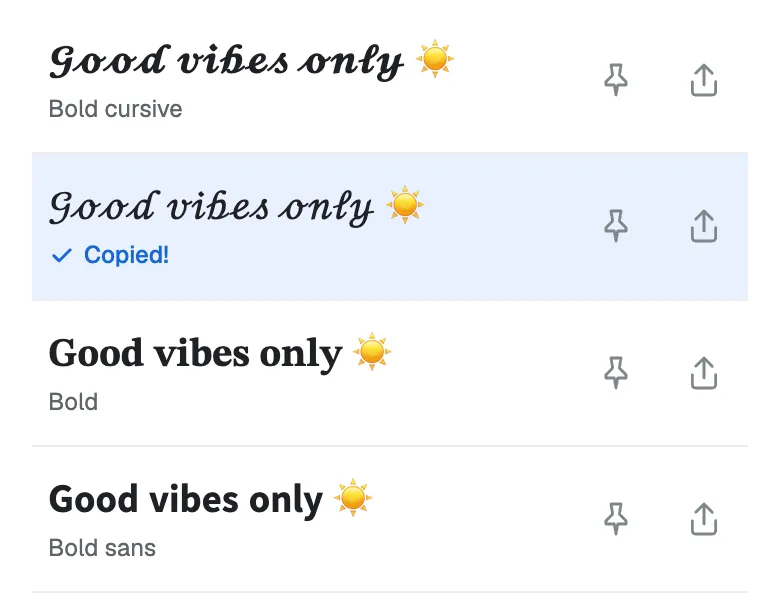
Tap to copy
Tap the one you like and it's copied. Now paste it into your bio, your game name, or a chat.
Found a favorite? Don't forget to tap the pin so it stays at the top. Your pins are saved in this browser.
Which small style fits your text?
| Style | Sample | Best for |
|---|---|---|
| Tiny (superscript) | ˡⁱˡʸ | A nickname or a pronoun line next to your name. Every letter has a tiny form. |
| Small caps | ʟɪʟʏ | A calm bio line or a title. It stays easy to read. |
| Subscript | ₗᵢₗy | A small note under the line. Some letters stay normal size. |
| Whisper | ⁽ˡⁱˡʸ⁾ | A quiet aside, like (brb) or (shh). |
| Tiny star | ⋆ ˡⁱˡʸ ⋆ | A small, sweet name in a bio. |
| Spaced tiny | ˡ ⁱ ˡ ʸ | An airy, aesthetic look for one short word. |
| Spaced small caps | ʟ ɪ ʟ ʏ | A game name or a clan tag that stands out but stays small. |
| Bunny | ₍ᐢ. .ᐢ₎ ˡⁱˡʸ | A cute nickname for a pet, a friend, or yourself. |
Not sure? Start with Tiny. It has a small form for every letter and number.
Superscript and subscript numbers
Small numbers have no gaps. Use the raised ones for squares, powers, and dates, and the lowered ones for chemistry. Tap one to copy it, or copy a whole row.
On some phones, ¹ ² ³ look a little different from the other raised numbers. They come from an older set of characters than ⁴ to ⁹.
Why are some small letters missing?
Small letters borrow characters that were made for other jobs, like sound symbols and math. A few letters were never made:
xSmall caps: noneꞯSmall caps qᵠTiny qb c d f g qSubscript: none
- Tiny (superscript) has every letter, but its q is really a Greek letter. Unicode has tiny capitals for A to W only, so ˡⁱˡʸ uses the small forms for every letter.
- Small caps has no x, so x stays full size. Its q is a newer letter, ꞯ, that some older phones don't show.
- Subscript has no b, c, d, f, g, or q, so those stay full size: ₗᵢₗy. Unicode added w, y, and z in 2026, but most phones can't show them yet, so they stay full size for now.
What is small caps text?
Small caps are capital letter shapes at the height of a small letter: ꜱᴍᴀʟʟ ᴄᴀᴘꜱ. Book designers use them for headings and short words in capitals, so the words don't shout.
The small caps here aren't a font setting. They're separate letters from the phonetic alphabet, the symbols that dictionaries use for sounds. That's why they paste anywhere.
Small text ideas to try
Need a starting point? Here are some ideas for bios, names, and notes. Each one shows its style. Tap “Try it” to see that style with your own text.
- ˢʰᵉ/ʰᵉʳTiny
- ʟᴇꜱꜱ ɪꜱ ᴍᴏʀᴇSmall caps
- ⁽ᵇʳᵇ⁾Whisper
- ᴡ ᴏ ʟ ꜰ ᴘ ᴀ ᴄ ᴋSpaced small caps
- ⋆ ᵃⁿᵈ ᶜᵒᶠᶠᵉᵉ ⋆Tiny star
- ₍ᐢ. .ᐢ₎ ˡⁱˡ ᵇᵉᵃⁿBunny
Tips for small text
- Use your display name, not your @username. Most apps only take plain letters in a username.
- Keep it short. Small text is harder to read, so use it for a name or a few words.
- Mix it with normal text. Lily ˢʰᵉ/ʰᵉʳ is easier to read than a whole bio in tiny letters.
- Check after you save. Some apps turn special letters back into plain ones.
More fonts to try
Stylish text generator
All 32 styles in one list: cursive, bold, cute, gamer, and glitch.
Christmas fonts
Festive styles with trees, snowflakes, and bells for your holiday messages.
Cool fonts
Wing frames, gothic letters, and other bold looks for names and game tags.
Small text FAQ
Is small text a smaller font size?
No. Each letter is a small character of its own, like ᵃ or ᴀ. That's why it stays small when you paste it into an app that has no font size option.
Does small text work on Instagram and Discord?
Yes, in your name, your bio, and your messages. Your Instagram @username only takes plain letters, numbers, periods, and underscores, so small letters won't go there.
Can I make capitals tiny?
Not all of them. Unicode has tiny capitals for A to W, but not for X, Y, or Z, so Tiny uses the small form of every letter. For capital shapes at a small size, use Small caps.
Why do I see boxes instead of letters?
Your device doesn't have a picture for that character yet. It happens more on older phones. Small caps q (ꞯ) is one of the newer ones. Try Tiny, or update your device.
Is it safe to copy and paste?
Yes. It's plain text, like any other letters you type. There's nothing to download and nothing to install, and we don't save what you type.
Is the small text generator free?
Yes. There's no app to install and no sign-up. Stylish Texts is free for everyone, supported by ads.
Last updated: