A strikethrough text generator for apps without a strikethrough button
Want to cross out a word on Instagram, X, or TikTok? Those apps don't have a strikethrough button. Type in the box and you'll see your text crossed out 12 ways at once. Tap one and it's copied, ready to paste.
The line is part of the text. Each letter gets a small line mark, so the line stays when you paste it into a post, a bio, a name, or a comment. There's nothing to install and no sign-up.
You'll only find 7 of these styles here. We're adding new styles all the time, so check back soon.
Good to know
- Strikethrough text doubles the character count, because each letter gets a mark.
- Search and hashtags can't find crossed-out words. Keep hashtags plain.
- Screen readers may skip the line or read the text oddly. Don't cross out words people must read.
- Want plain text back? Paste the crossed-out text into the box at the top. It removes the line.
How to use the styles
- Step 1

Type your text
Type a word, your name, or a whole line. You'll see it in every style at once.
- Step 2
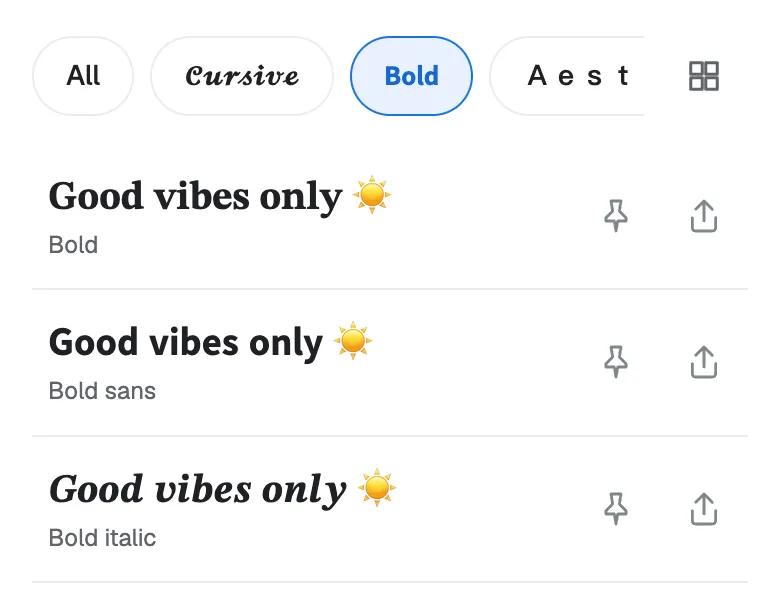
Pick a style
Scroll through the list and find the line that fits your text.
- Step 3
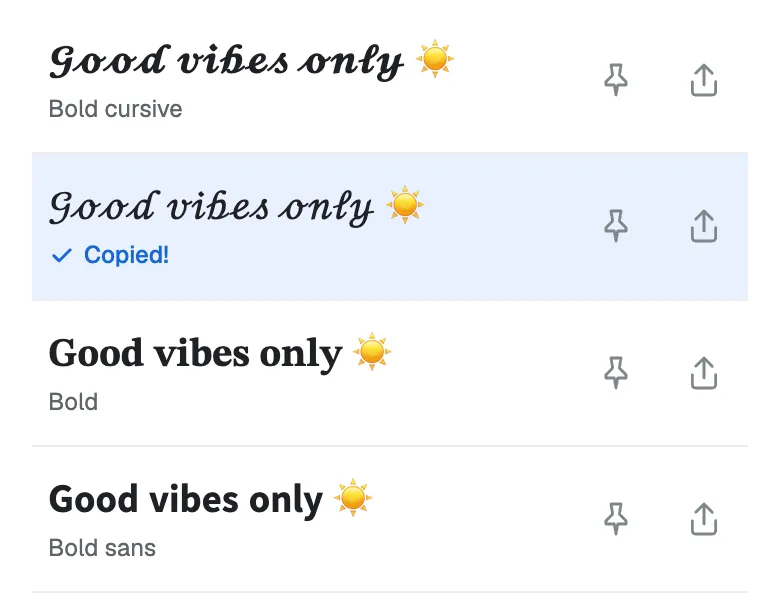
Tap to copy
Tap the one you like and it's copied. Now paste it into your bio, your game name, or a chat.
Found a favorite? Don't forget to tap the pin so it stays at the top. Your pins are saved in this browser.
Which strikethrough fits your text?
Each sample shows "Old price" (9 characters) and its length after the line.
A line through the letters
Best for: A price, a joke, or a word you take back. Full line also crosses the spaces, so the line has no gap.
| Style | Sample | Characters |
|---|---|---|
| Strikethrough | O̶l̶d̶ p̶r̶i̶c̶e̶ | 17 |
| Full line | O̶l̶d̶ ̶p̶r̶i̶c̶e̶ | 18 |
| Short strikethrough | O̵l̵d̵ p̵r̵i̵c̵e̵ | 17 |
| Wavy strikethrough | O̴l̴d̴ p̴r̴i̴c̴e̴ | 17 |
| Strike and underline | O̶̲l̶̲d̶̲ p̶̲r̶̲i̶̲c̶̲e̶̲ | 25 |
A slash through the letters
Best for: A softer cross-out that still reads well.
| Style | Sample | Characters |
|---|---|---|
| Slash through | O̸l̸d̸ p̸r̸i̸c̸e̸ | 17 |
| Short slash | O̷l̷d̷ p̷r̷i̷c̷e̷ | 17 |
Strikethrough with a letter style
Best for: When you want the letters to look different too.
| Style | Sample | Characters |
|---|---|---|
| Bold strikethrough | 𝐎𝐥𝐝 𝐩𝐫𝐢𝐜𝐞 | 17 |
| Typewriter strikethrough | 𝙾𝚕𝚍 𝚙𝚛𝚒𝚌𝚎 | 18 |
| Crossed | Øłđ ᵽɍɨȼɇ | 9 |
| Scan lines | O̶̲̅l̶̲̅d̶̲̅ p̶̲̅r̶̲̅i̶̲̅c̶̲̅e̶̲̅ | 33 |
Hide the text
Best for: A blacked-out word for a joke or a secret. Nobody can read it, and the box can’t change it back.
| Style | Sample | Characters |
|---|---|---|
| Redacted | ███ █████ | 9 |
Want a messier look? Try the glitch text generator. For bold letters with no line, try the bold text generator.
How to strikethrough text on X (Twitter)
X has no strikethrough button, so you paste text that already has the line.
- Type your words in the box at the top of this page.
- Tap a style, like Strikethrough. It's copied.
- Open X, start a post, and paste.
The same steps work for Instagram, TikTok, Facebook, LinkedIn, and YouTube comments.
Apps with their own strikethrough
Some apps cross out text for you. There, use the app's own way. It's cleaner, and screen readers read it well.
- Discord and Reddit: put 2 tildes on each side, like
~~text~~. - WhatsApp and Slack: put 1 tilde on each side, like
~text~. - Word and Google Docs: use the strikethrough button in the toolbar.
Where strikethrough text works
- Posts, bios, display names, and comments. It should show, because the line is part of the text.
- Usernames only take plain letters. Use it in a display name or a bio, not in your @handle.
- Some apps move the line a little or remove it. Check your post after you share it.
- Old phones can show a box for a rare style. Strikethrough and Short strikethrough work almost everywhere.
Strikethrough text ideas to try
Need a starting point? Here are some ideas for posts, jokes, and sales. Each one shows its style. Tap “Try it” to see that style with your own text.
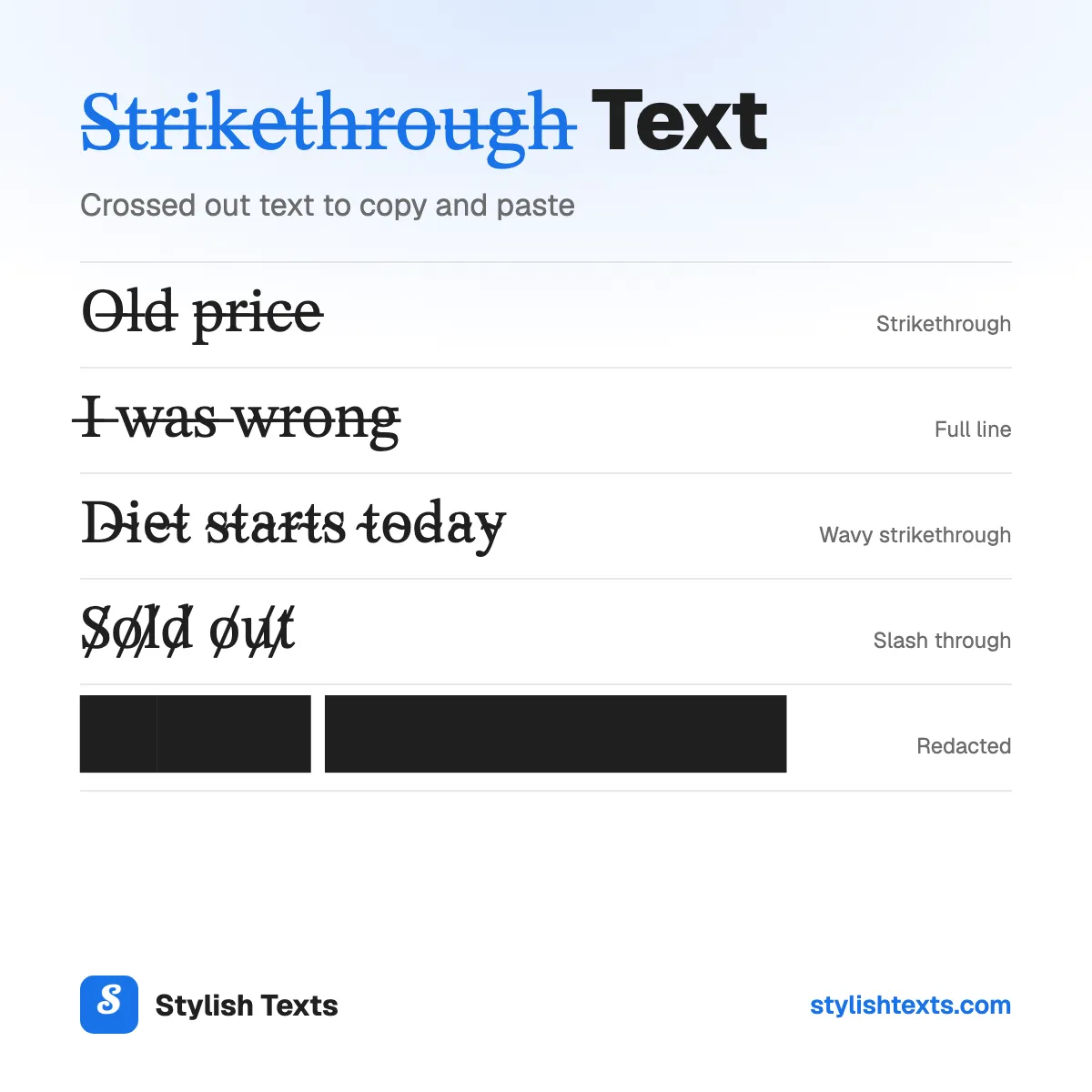
- M̶o̶n̶d̶a̶y̶Strikethrough
- I̶ ̶w̶a̶s̶ ̶w̶r̶o̶n̶g̶Full line
- D̴i̴e̴t̴ s̴t̴a̴r̴t̴s̴ t̴o̴d̴a̴y̴Wavy strikethrough
- S̸o̸l̸d̸ o̸u̸t̸Slash through
- O̶̲l̶̲d̶̲ p̶̲l̶̲a̶̲n̶̲Strike and underline
- ███ ██████Redacted
More fonts to try
Stylish text generator
All 41 styles in one list: cursive, bold, cute, gamer, and glitch.
Christmas fonts
Festive styles with trees, snowflakes, and bells for your holiday messages.
Cool fonts
Wing frames, gothic letters, and other bold looks for names and game tags.
Strikethrough text FAQ
What is strikethrough text?
Text with a line through the middle, like o̶l̶d̶. People use it to show a change, a lower price, or a joke where you "take back" a word.
What is the crossed out font called?
It's called strikethrough, or strikeout. It isn't a real font. Each letter gets a line mark after it, so the line stays when you paste the text.
Does strikethrough text work on Instagram, X, and TikTok?
It should show in your bio, your name, your posts, and your comments, because the line is part of the text. Some apps move or remove the line. Check your post after you share it.
Why does my line have gaps?
The line is a small mark on each letter, so it can break between letters or at the spaces. For a line with no gap at the spaces, try Full line or Typewriter strikethrough.
Is there a double strikethrough?
Not as copy-and-paste text. Unicode has no mark with 2 lines through the middle. Strike and underline is the closest, with one line through and one below.
Is the strikethrough text generator free?
Yes. There's no app to install and no sign-up. Stylish Texts is free for everyone, supported by ads.
Last updated: