A text decorator for your name, your bio, and your posts
Want your name to stand out but still be easy to read? Type in the box and you'll see it decorated 18 ways at once. Tap one and it's copied, ready to paste into a bio, a display name, or a post.
A text decorator adds symbols around or between your letters, like wings, stars, and flowers. Your letters stay the same, so people can still read your name. There's nothing to install and no sign-up.
You'll only find 15 of these styles here. We're adding new styles all the time, so check back soon.
Good to know
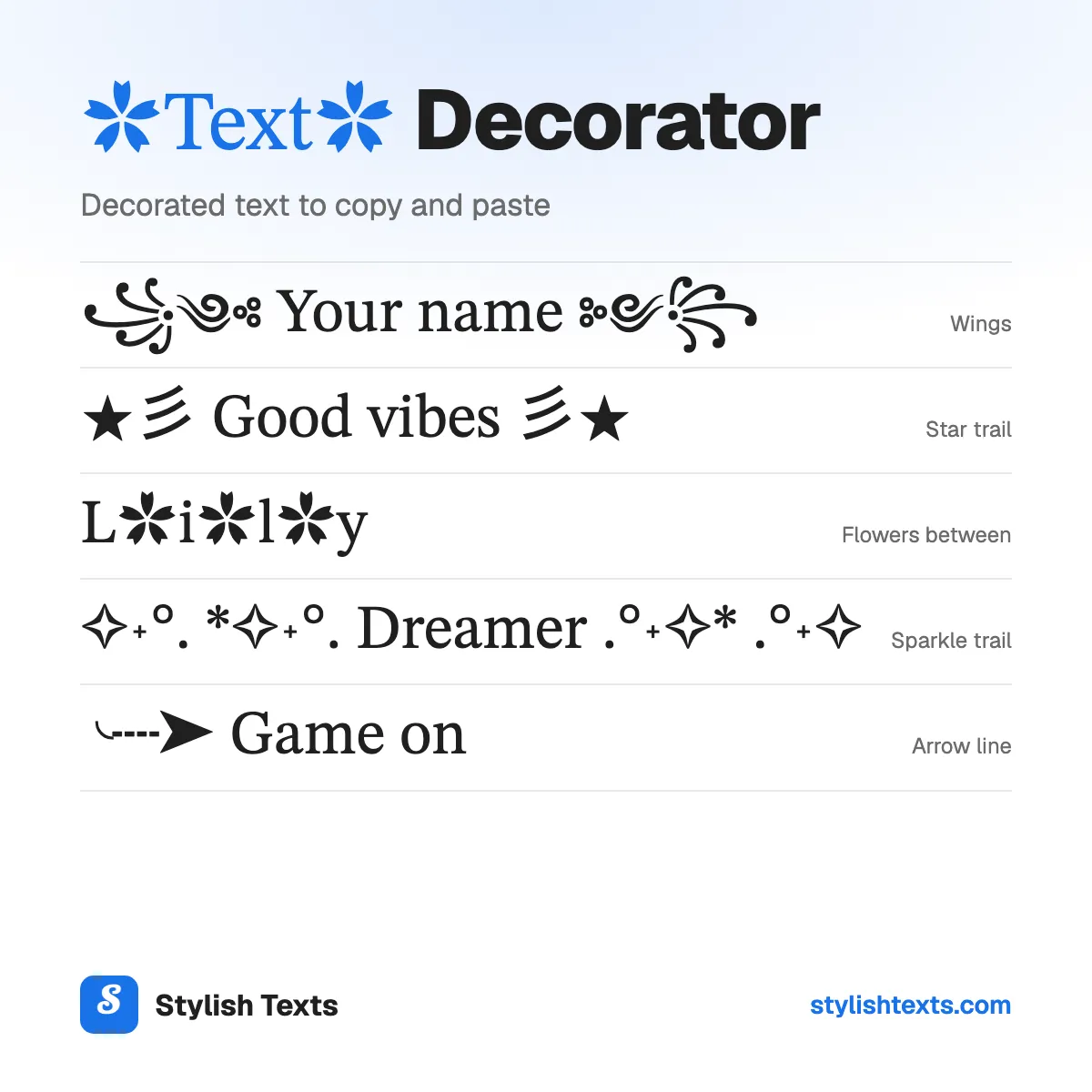
- Use a frame (Wings, Star trail) for a name or a short line. Your letters stay plain.
- Symbols between the letters look cute, but search and screen readers can't read the word.
- Each decoration adds characters. Check the count if your bio or name has a limit.
- Want the letters to change too? Try the last 3 styles, or the stylish text generator.
How to use the styles
- Step 1

Type your text
Type a word, your name, or a whole line. You'll see it in every style at once.
- Step 2
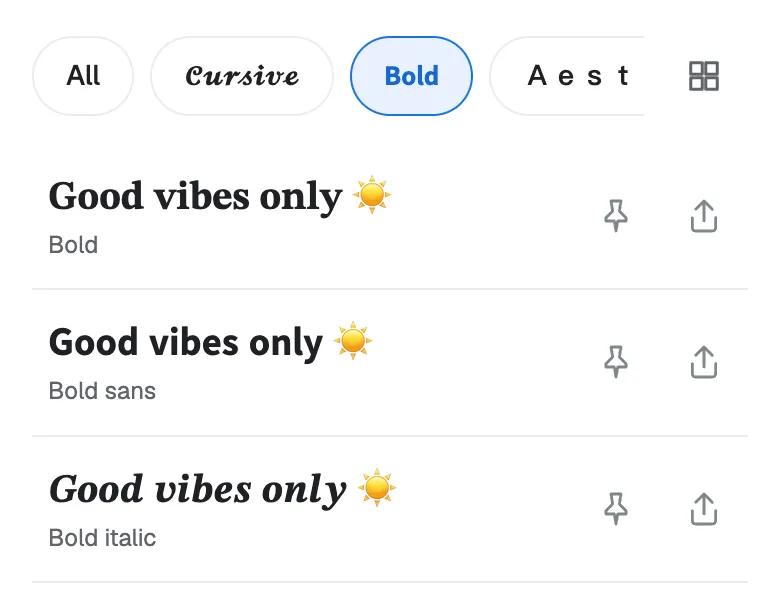
Pick a style
Scroll through the list and find the decoration that fits your name or your line.
- Step 3
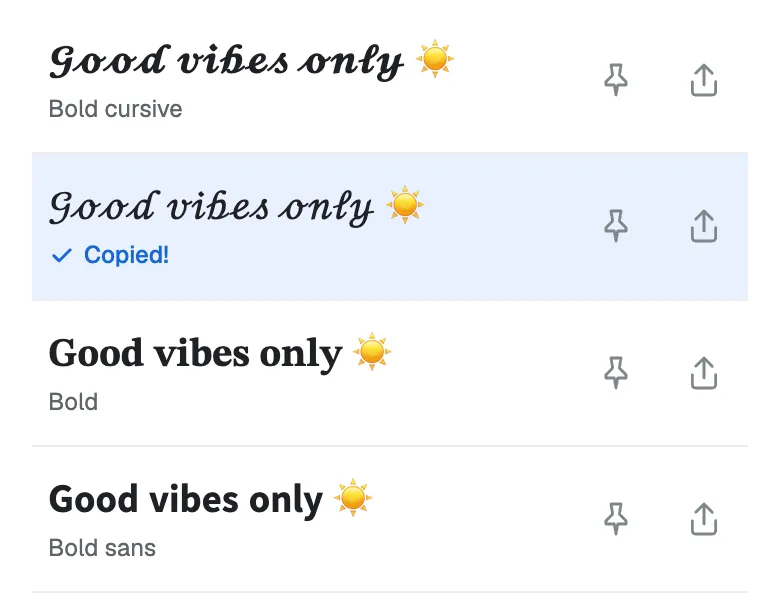
Tap to copy
Tap the one you like and it's copied. Now paste it into your bio, your game name, or a chat.
Found a favorite? Don't forget to tap the pin so it stays at the top. Your pins are saved in this browser.
Which decoration fits your text?
Each sample shows "Lily Rose" (9 characters) and its length after the decoration.
Frames
Best for: A name or a bio line. The symbols sit on both sides, and your letters stay plain.
| Style | Sample | Characters |
|---|---|---|
| Wings | ꧁༺ Lily Rose ༻꧂ | 15 |
| Star trail | ★彡 Lily Rose 彡★ | 15 |
| Sparkle trail | ✧˖°. *✧˖°. Lily Rose .°˖✧* .°˖✧ | 31 |
| Flower line | ˜°•✿•°˜ Lily Rose ˜°•✿•°˜ | 25 |
| Glitter | *•.¸¸☆ Lily Rose ☆¸¸.•* | 23 |
| Star wave | ★·.·´¯·.·★ Lily Rose ★·.·´¯·.·★ | 31 |
| Ribbon | ୨୧ Lily Rose ୨୧ | 15 |
| Wave line | ︵‿︵ Lily Rose ︵‿︵ | 17 |
| Divider | •─» Lily Rose «─• | 17 |
| Corner brackets | 『 Lily Rose 』 | 13 |
| Arrow line | ╰┈➤ Lily Rose | 13 |
Symbols between the letters
Best for: One short word, like a name. It looks cute, but search and screen readers can’t read the word.
| Style | Sample | Characters |
|---|---|---|
| Flowers between | L✿i✿l✿y R✿o✿s✿e | 15 |
| Hearts between | L♡i♡l♡y R♡o♡s♡e | 15 |
| Stars between | L☆i☆l☆y R☆o☆s☆e | 15 |
| Flower words | ✿Lily✿ ✿Rose✿ | 13 |
Frames with a letter style
Best for: When you want the letters to change too.
| Style | Sample | Characters |
|---|---|---|
| Wing frame | ꧁ 𝕷𝖎𝖑𝖞 𝕽𝖔𝖘𝖊 ꧂ | 13 |
| Shooting star | ★彡 𝓛𝓲𝓵𝔂 𝓡𝓸𝓼𝓮 彡★ | 15 |
| Fairy | ˚₊‧꒰ა ʟɪʟʏ ʀᴏꜱᴇ ໒꒱ ‧₊˚ | 22 |
Want more frames with cute letters? Try the cute fonts. For a gamer name, try the cool fonts.
How many characters each decoration adds
A decoration is made of real characters, so it counts toward a bio or a name limit.
- A frame adds the same count to any text. Corner brackets and Arrow line add 4, Wings adds 6, and Star wave adds 22.
- Symbols between the letters add one for each gap. "Lily Rose" has 6 gaps, so it gets 6 more. A long word adds more.
- Flower words add 2 for each word. "Lily Rose" has 2 words, so it gets 4 more.
The counts on this page are Unicode characters. Some apps count a styled letter as 2, so the last 3 styles can count higher there.
Where decorated text works
- Bios, display names, posts, and chats. It should show, because each symbol is a text character.
- Usernames only take plain letters. Use it in a display name or a bio, not in your @handle.
- Screen readers may read each symbol aloud. Keep important words plain.
- Old phones can show a box for a rare symbol. Check your post after you share it.
Text decorator ideas to try
Need a starting point? Here are some ideas for names, bios, and gamer tags. Each one shows its style. Tap “Try it” to see that style with your own text.
- ꧁༺ Your name ༻꧂Wings
- ✧˖°. *✧˖°. Good vibes .°˖✧* .°˖✧Sparkle trail
- L✿i✿l✿yFlowers between
- ╰┈➤ Game onArrow line
- ✿Best✿ ✿friends✿Flower words
- ˚₊‧꒰ა ᴘʀɪɴᴄᴇꜱꜱ ໒꒱ ‧₊˚Fairy
More fonts to try
Stylish text generator
All 41 styles in one list: cursive, bold, cute, gamer, and glitch.
Strikethrough text
Cross out a word with a line or a slash, for apps that have no strikethrough button.
Christmas fonts
Festive styles with trees, snowflakes, and bells for your holiday messages.
Text decorator FAQ
What is a text decorator?
A tool that adds symbols around or between your letters, like wings, stars, and flowers. You copy the result and paste it like any other text.
Does it change my letters?
No. Your letters stay plain in every style except the last 3, which also change the letter shapes.
Does decorated text work on Instagram, TikTok, and Discord?
It should show in your bio, your display name, and your posts, because the symbols are text. Check your post after you share it.
Why do I see a box instead of a symbol?
Your phone doesn't have a font for that symbol yet. It happens more on older phones. Try a different style.
How do I remove the decoration?
Delete the symbols by hand, or type your text again. The box at the top keeps the symbols when you paste decorated text.
Is the text decorator free?
Yes. There's no app to install and no sign-up. Stylish Texts is free for everyone, supported by ads.
Last updated: