A small caps generator for your name, your bio, and your headings
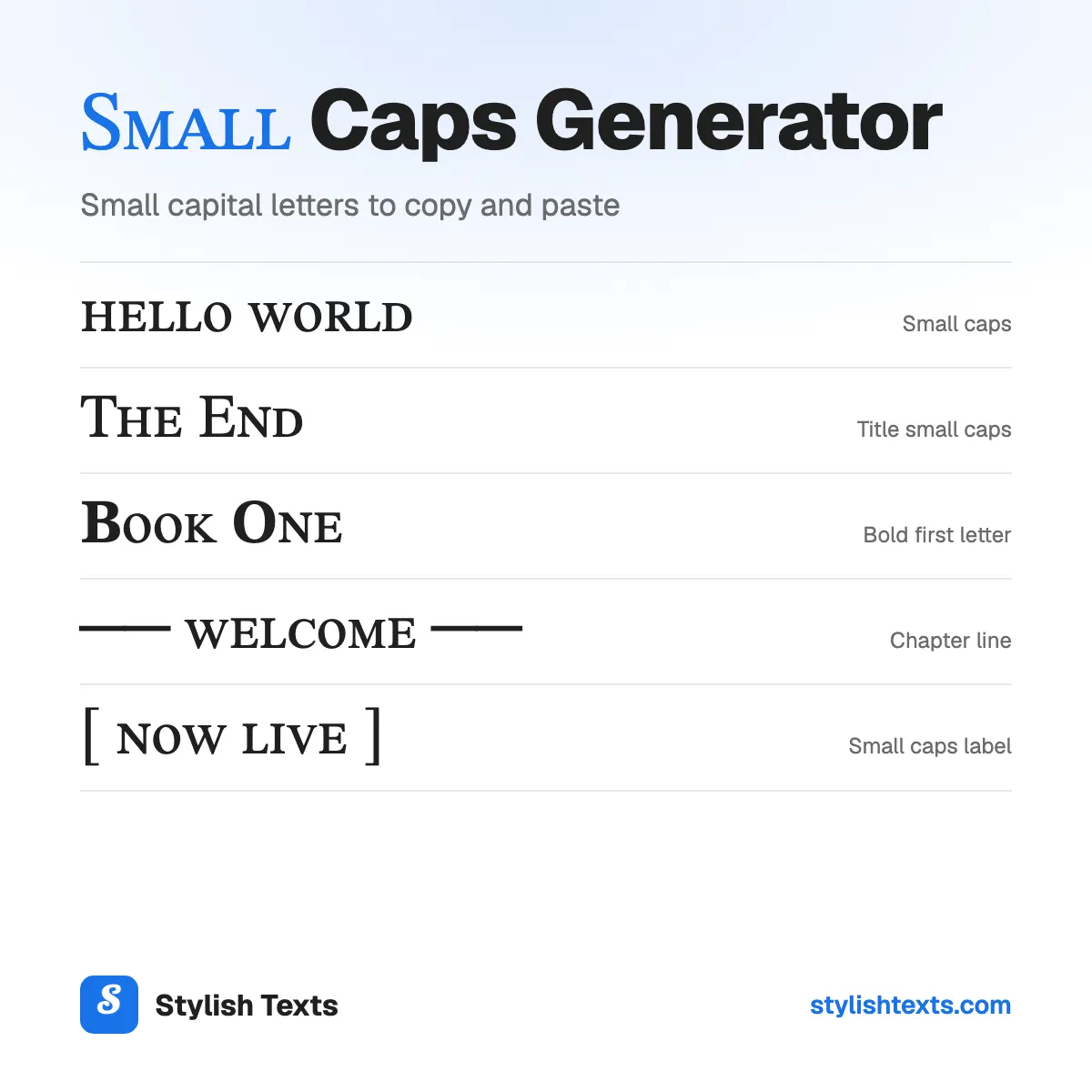
Want capital letters that look calm, not loud? Type in the box and you'll see your text in 11 small caps styles at once. Tap one and it's copied, ready to paste.
Small caps are special characters, so they keep their look when you paste them into Instagram, TikTok, Discord, X, or a bio. There's nothing to install and no sign-up.
You'll only find 7 of these styles here. We're adding new styles all the time, so check back soon.
Good to know
- Only A to Z changes. Numbers, accents, and symbols stay as they are.
- Small caps have one size, so capitals and small letters look the same. Want a big first letter? Use Title small caps.
- Some older phones show a box for ꜰ, ꜱ, or ꞯ. Use Safe small caps for those phones.
- Search and hashtags can't find small caps words. Keep hashtags plain.
- Screen readers may read the letters one by one, or as other letters. Don't use it for words people must read.
How to use the styles
- Step 1

Type your text
Type a word, your name, or a whole line. You'll see it in every style at once.
- Step 2
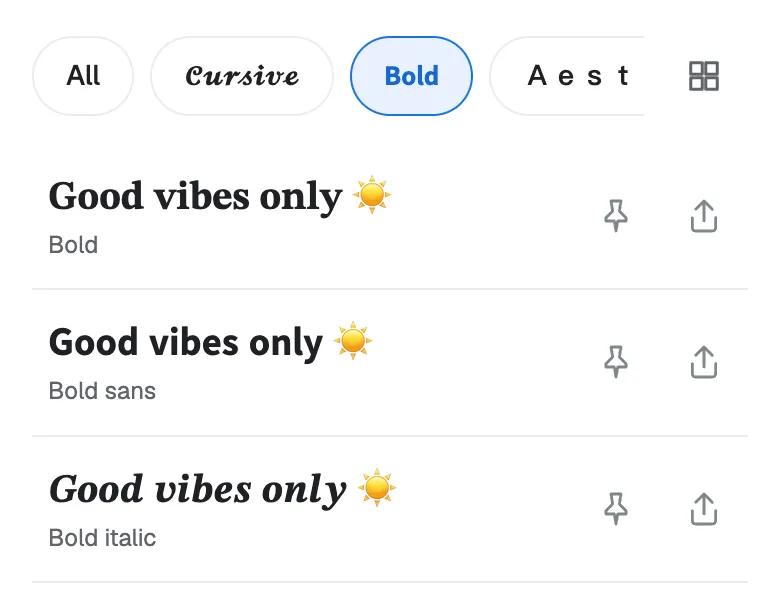
Pick a style
Scroll through the list and find the small caps style that fits your text.
- Step 3
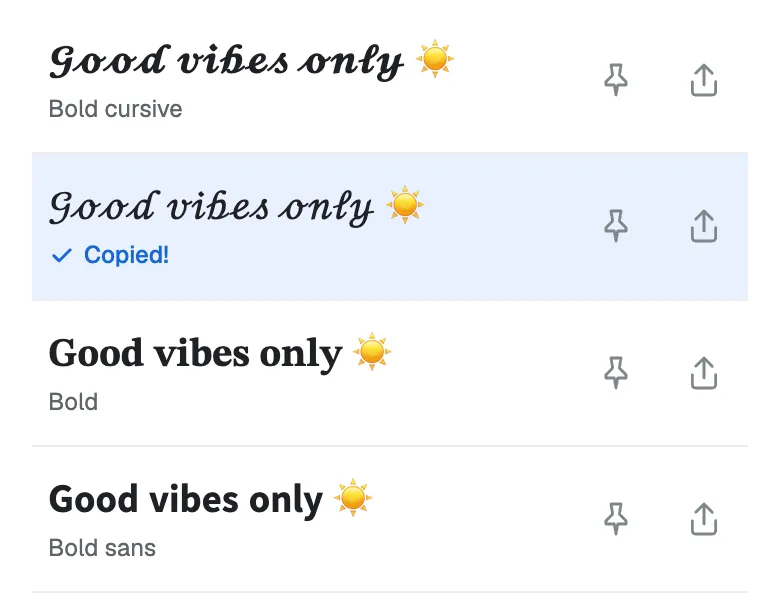
Tap to copy
Tap the one you like and it's copied. Now paste it into your bio, your game name, or a chat.
Found a favorite? Don't forget to tap the pin so it stays at the top. Your pins are saved in this browser.
Which small caps style fits your text?
Each sample shows "Hello friends" (13 characters) and its length in that style.
Plain small caps
Best for: A name, a bio line, or a quiet caption. Safe small caps is for older phones.
| Style | Sample | Characters |
|---|---|---|
| Small caps | ʜᴇʟʟᴏ ꜰʀɪᴇɴᴅꜱ | 13 |
| Safe small caps | ʜᴇʟʟᴏ ғʀɪᴇɴᴅs | 13 |
| Spaced small caps | ʜ ᴇ ʟ ʟ ᴏ ꜰ ʀ ɪ ᴇ ɴ ᴅ ꜱ | 25 |
A full first letter
Best for: A name or a heading. It looks like the start of a chapter in a book.
| Style | Sample | Characters |
|---|---|---|
| Title small caps | Hᴇʟʟᴏ Fʀɪᴇɴᴅꜱ | 13 |
| Bold first letter | 𝐇ᴇʟʟᴏ 𝐅ʀɪᴇɴᴅꜱ | 13 |
| Script first letter | 𝓗ᴇʟʟᴏ 𝓕ʀɪᴇɴᴅꜱ | 13 |
Labels and lines
Best for: A section title in a bio, a label, or a divider between lines.
| Style | Sample | Characters |
|---|---|---|
| Small caps label | [ ʜᴇʟʟᴏ ꜰʀɪᴇɴᴅꜱ ] | 17 |
| Chapter line | ── ʜᴇʟʟᴏ ꜰʀɪᴇɴᴅꜱ ── | 19 |
| Small caps underline | ʜ̲ᴇ̲ʟ̲ʟ̲ᴏ̲ ̲ꜰ̲ʀ̲ɪ̲ᴇ̲ɴ̲ᴅ̲ꜱ̲ | 26 |
Cute frames
Best for: A soft name or a bio. More frames are on the cute fonts page.
| Style | Sample | Characters |
|---|---|---|
| Bow | ୨ৎ ʜᴇʟʟᴏ ꜰʀɪᴇɴᴅꜱ ୨ৎ | 19 |
| Fairy | ˚₊‧꒰ა ʜᴇʟʟᴏ ꜰʀɪᴇɴᴅꜱ ໒꒱ ‧₊˚ | 26 |
Small capital letters A to Z
Here's each small capital letter. The line under a letter shows the safe form for older phones, where it's different.
- aᴀ
- bʙ
- cᴄ
- dᴅ
- eᴇ
- fꜰғ
- gɢ
- hʜ
- iɪ
- jᴊ
- kᴋ
- lʟ
- mᴍ
- nɴ
- oᴏ
- pᴘ
- qꞯǫ
- rʀ
- sꜱs
- tᴛ
- uᴜ
- vᴠ
- wᴡ
- xx
- yʏ
- zᴢ
All 26 in one line, to copy: ᴀʙᴄᴅᴇꜰɢʜɪᴊᴋʟᴍɴᴏᴘꞯʀꜱᴛᴜᴠᴡxʏᴢ
- X has no small capital, so it stays a plain x.
- Q uses ꞯ, a letter that Unicode added in 2018. Safe small caps uses ǫ.
- F and S use ꜰ and ꜱ. Safe small caps uses ғ and a plain s.
Small caps in Word and Google Docs
In Word, small caps is a setting: select your text and press Ctrl + Shift + K (Cmd + Shift + K on a Mac). Word keeps your letters and only shows them as small caps.
That's why Word small caps turn into small letters when you paste them into Instagram or a chat. The app drops the setting and shows the letters you typed. The letters on this page are small caps characters, so they stay small caps after a paste.
Google Docs has no small caps button. Paste the letters from this page, or pick a font with small caps.
Where small caps work
- Bios, display names, posts, and comments. They should show, because the letters are text.
- Usernames only take plain letters. Use small caps in a display name or a bio, not in your @handle.
- Old phones can show a box for a rare letter. Use Safe small caps for them.
Want tiny raised letters or subscript instead? Try the small text generator. For heavy letters, try the bold text generator.
Small caps ideas to try
Need a starting point? Here are some ideas for names, bios, and headings. Each one shows its style. Tap “Try it” to see that style with your own text.
- Tʜᴇ EɴᴅTitle small caps
- ꞯᴜɪᴇᴛ ʜᴏᴜʀꜱSmall caps
- 𝐂ʜᴀᴘᴛᴇʀ 𝐎ɴᴇBold first letter
- ── ɴᴇᴡ ᴘᴏꜱᴛ ──Chapter line
- [ ᴏᴘᴇɴ ɴᴏᴡ ]Small caps label
- 𝓞ʟɪᴠɪᴀ 𝓖ʀᴀᴄᴇScript first letter
More fonts to try
Stylish text generator
All 41 styles in one list: cursive, bold, cute, gamer, and glitch.
Christmas fonts
Festive styles with trees, snowflakes, and bells for your holiday messages.
Cool fonts
Wing frames, gothic letters, and other bold looks for names and game tags.
Small caps FAQ
What are small caps?
Small caps are capital letters at the height of small letters, like ꜱᴍᴀʟʟ ᴄᴀᴘꜱ. Books use them for headings, the first words of a chapter, and short forms such as AM and PM.
Do I need to download a small caps font?
No. The letters on this page are special characters, not a font file. Copy them and paste them where you want. For a book or a print design, a real small caps font looks better, because its letters are made to match.
Why does the x stay the same?
There's no small capital x in Unicode, so x stays a plain small x. It's almost the same shape, so most people don't see a difference.
Are there small caps numbers?
No. Unicode has no small capital numbers, so numbers stay as you type them. For small numbers, try the superscript numbers on the small text generator.
What is the difference between small caps and small text?
Small caps keep the shape of capital letters, at a small size. Small text, or tiny text, uses raised or lowered letters such as ᵗⁱⁿʸ. Find those on the small text generator.
Do small caps work on Instagram, TikTok, and Discord?
They should show in your bio, your display name, your posts, and your comments, because the letters are text. Check your post after you share it.
Is the small caps generator free?
Yes. There's no app to install and no sign-up. Stylish Texts is free for everyone, supported by ads.
Last updated: