An underline text generator for apps without an underline button
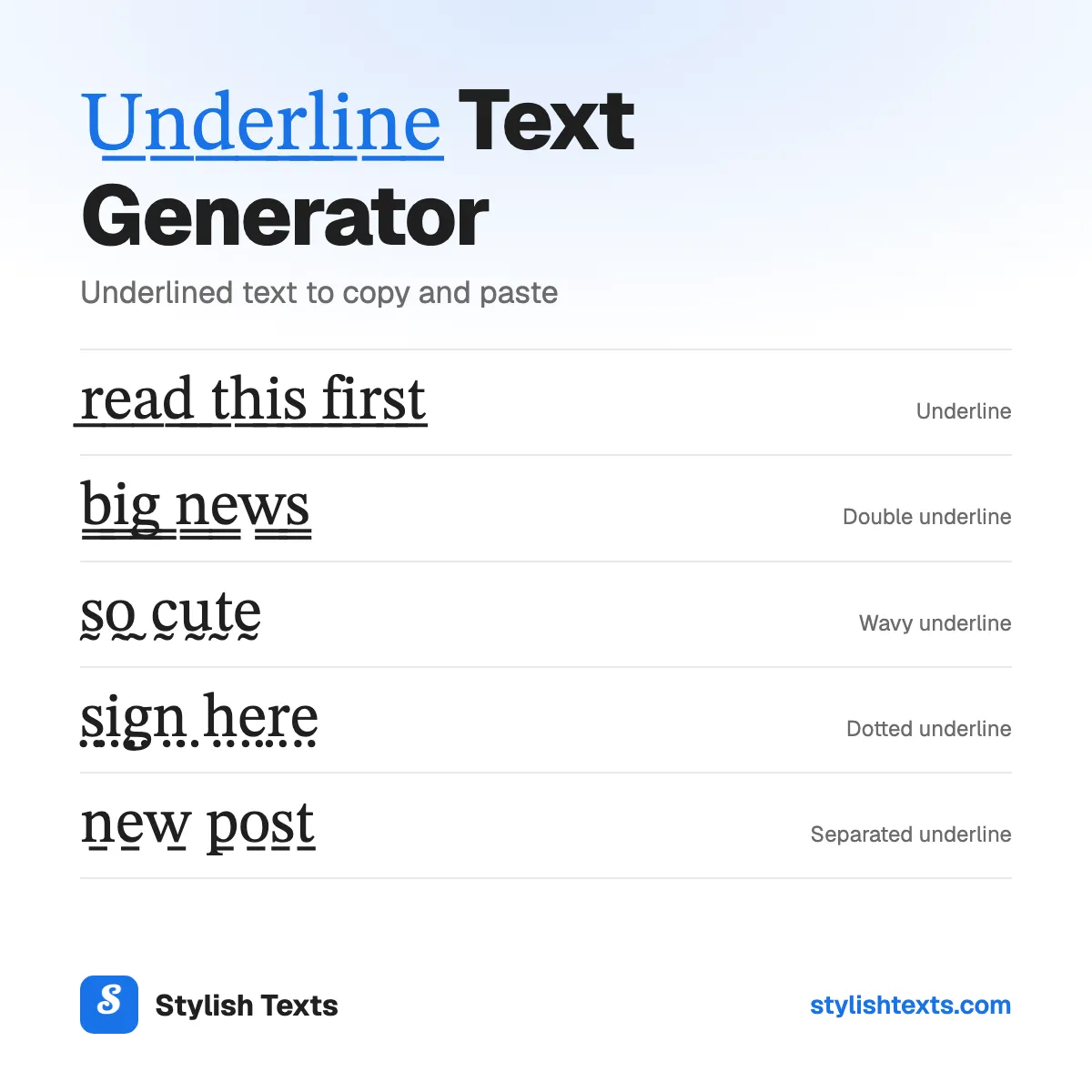
Want to underline a word on Instagram, WhatsApp, or X? Those apps don't have an underline button. Type in the box and you'll see your text underlined 12 ways at once. Tap one and it's copied, ready to paste.
The line is part of the text. Each letter gets a small line mark, so the line stays when you paste it into a post, a bio, a name, or a comment. There's nothing to install and no sign-up.
You'll only find 3 of these styles here. We're adding new styles all the time, so check back soon.
Good to know
- Underlined text doubles the character count, because each letter gets a mark.
- Search and hashtags can't find underlined words. Keep hashtags plain.
- Screen readers may skip the line or read the text oddly. Use plain text for words people must read.
- On a web page, an underline can look like a link. Use it for a few words, not a whole post.
- Want plain text back? Paste the underlined text into the box at the top. It removes the line.
How to use the styles
- Step 1

Type your text
Type a word, your name, or a whole line. You'll see it in every style at once.
- Step 2
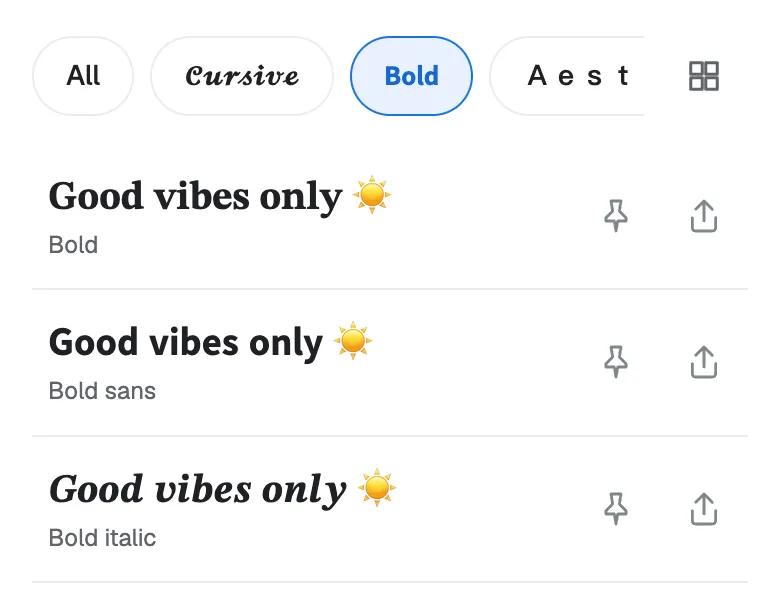
Pick a style
Scroll through the list and find the line that fits your text.
- Step 3
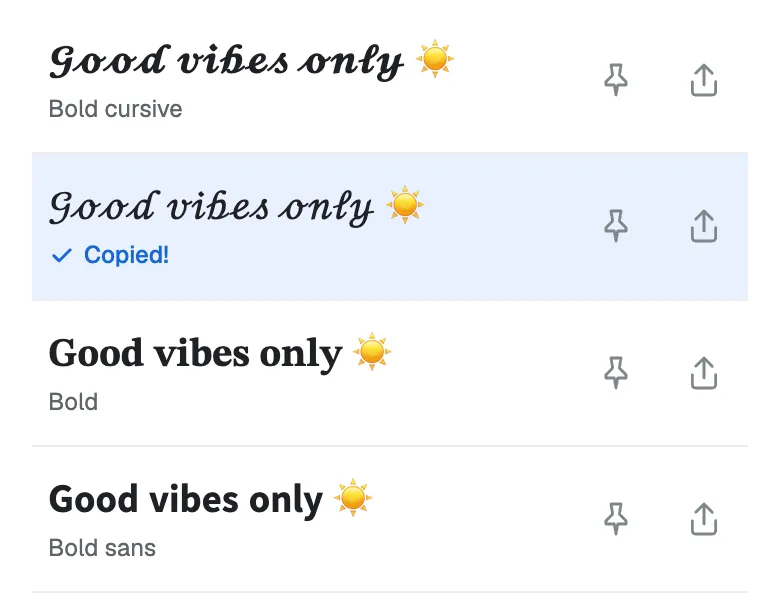
Tap to copy
Tap the one you like and it's copied. Now paste it into your bio, your game name, or a chat.
Found a favorite? Don't forget to tap the pin so it stays at the top. Your pins are saved in this browser.
Which underline fits your text?
Each sample shows "Read this" (9 characters) and its length after the line.
A line under the letters
Best for: A word you want people to notice. Underline, Double, Dotted, and Wavy underline also cross the spaces, so the line has no gap.
| Style | Sample | Characters |
|---|---|---|
| Underline | R̲e̲a̲d̲ ̲t̲h̲i̲s̲ | 18 |
| Long underline | R͟e͟a͟d͟ t͟h͟i͟s͟ | 17 |
| Separated underline | Ṟe̱a̱ḏ ṯẖi̱s̱ | 17 |
| Double underline | R̳e̳a̳d̳ ̳t̳h̳i̳s̳ | 18 |
| Dotted underline | R̤e̤a̤d̤ ̤t̤h̤i̤s̤ | 18 |
| Wavy underline | R̰ḛa̰d̰ ̰t̰h̰ḭs̰ | 18 |
Underline with a letter style
Best for: When you want the letters to look different too.
| Style | Sample | Characters |
|---|---|---|
| Bold underline | 𝗥𝗲𝗮𝗱 𝘁𝗵𝗶𝘀 | 18 |
| Italic underline | 𝘙𝘦𝘢𝘥 𝘵𝘩𝘪𝘴 | 18 |
| Typewriter underline | 𝚁𝚎𝚊𝚍 𝚝𝚑𝚒𝚜 | 17 |
| Small caps underline | ʀ̲ᴇ̲ᴀ̲ᴅ̲ ̲ᴛ̲ʜ̲ɪ̲ꜱ̲ | 18 |
| Underlined cursive | 𝓡𝓮𝓪𝓭 𝓽𝓱𝓲𝓼 | 18 |
Spaced letters
Best for: A short title or a name, with room between the letters.
| Style | Sample | Characters |
|---|---|---|
| Spaced underline | R̲ ̲e̲ ̲a̲ ̲d̲ ̲ ̲ ̲t̲ ̲h̲ ̲i̲ ̲s̲ | 34 |
Want a line through the words? Try the strikethrough text generator. For more bold styles, try the bold text generator.
How to underline text in WhatsApp and text messages
WhatsApp, Instagram, and most chat apps have no underline button, so you paste text that already has the line.
- Type your words in the box at the top of this page.
- Tap a style, like Underline. It's copied.
- Open your chat or your post and paste.
The same steps work for X, TikTok, Facebook, LinkedIn, and Discord.
On an iPhone with iOS 18 or later, iMessage has its own underline. Select a word, tap Text Effects or Format, and pick Underline. The other person sees it only in iMessage on iOS 18 or later. For everyone else, paste a style from this page.
How to underline in Word, Google Docs, and HTML
In a document, use the app's own underline. It's cleaner, and screen readers read it well.
- Word and Google Docs: select the text and press Ctrl+U (Cmd+U on a Mac), or click the U in the toolbar.
- Word only: press Ctrl+Shift+D for a double underline, or Ctrl+Shift+W to underline the words and not the spaces.
- HTML and CSS: use
<u>text</u>, ortext-decoration: underlinein CSS.
Where underline text works
- Posts, bios, display names, and comments. It should show, because the line is part of the text.
- Usernames only take plain letters. Use it in a display name or a bio, not in your @handle.
- Some apps move the line a little or remove it. Check your post after you share it.
- Old phones can show a box for a rare style. Underline works on most phones.
Underline text ideas to try
Need a starting point? Here are some ideas for posts, bios, and chats. Each one shows its style. Tap “Try it” to see that style with your own text.
- R̲e̲a̲d̲ ̲t̲h̲i̲s̲ ̲f̲i̲r̲s̲t̲Underline
- B̳i̳g̳ ̳n̳e̳w̳s̳Double underline
- s̰o̰ ̰c̰ṵt̰ḛWavy underline
- S̤i̤g̤n̤ ̤h̤e̤r̤e̤Dotted underline
- S͟a͟v͟e͟ t͟h͟e͟ d͟a͟t͟e͟Long underline
- M̲ ̲e̲ ̲n̲ ̲u̲Spaced underline
More fonts to try
Stylish text generator
All 41 styles in one list: cursive, bold, cute, gamer, and glitch.
Christmas fonts
Festive styles with trees, snowflakes, and bells for your holiday messages.
Cool fonts
Wing frames, gothic letters, and other bold looks for names and game tags.
Underline text FAQ
What is underline text?
Text with a line under it, like u̲n̲d̲e̲r̲l̲i̲n̲e̲. People use it to make a word stand out in a bio, a post, or a chat.
How does an underline text generator work?
Each letter gets a small line mark after it. The mark is part of the text, so the line stays when you paste it into an app that has no underline button. It isn't a real font.
Can I underline text in WhatsApp?
WhatsApp has no underline button. Type your words in the box above, tap a style, and paste it into your chat. WhatsApp's own codes only make bold, italic, and strikethrough.
Why does my underline have gaps?
The line is a small mark on each letter, so some fonts show a small gap between letters. For a line that also crosses the spaces, try Underline, Double underline, or Dotted underline.
Why does the double underline look different on X?
Some apps change or remove some line marks, and the double line is one of them. Check your post after you share it. If the line is gone, try the single Underline.
Is the underline text generator free?
Yes. There's no app to install and no sign-up. Stylish Texts is free for everyone, supported by ads.
Last updated: